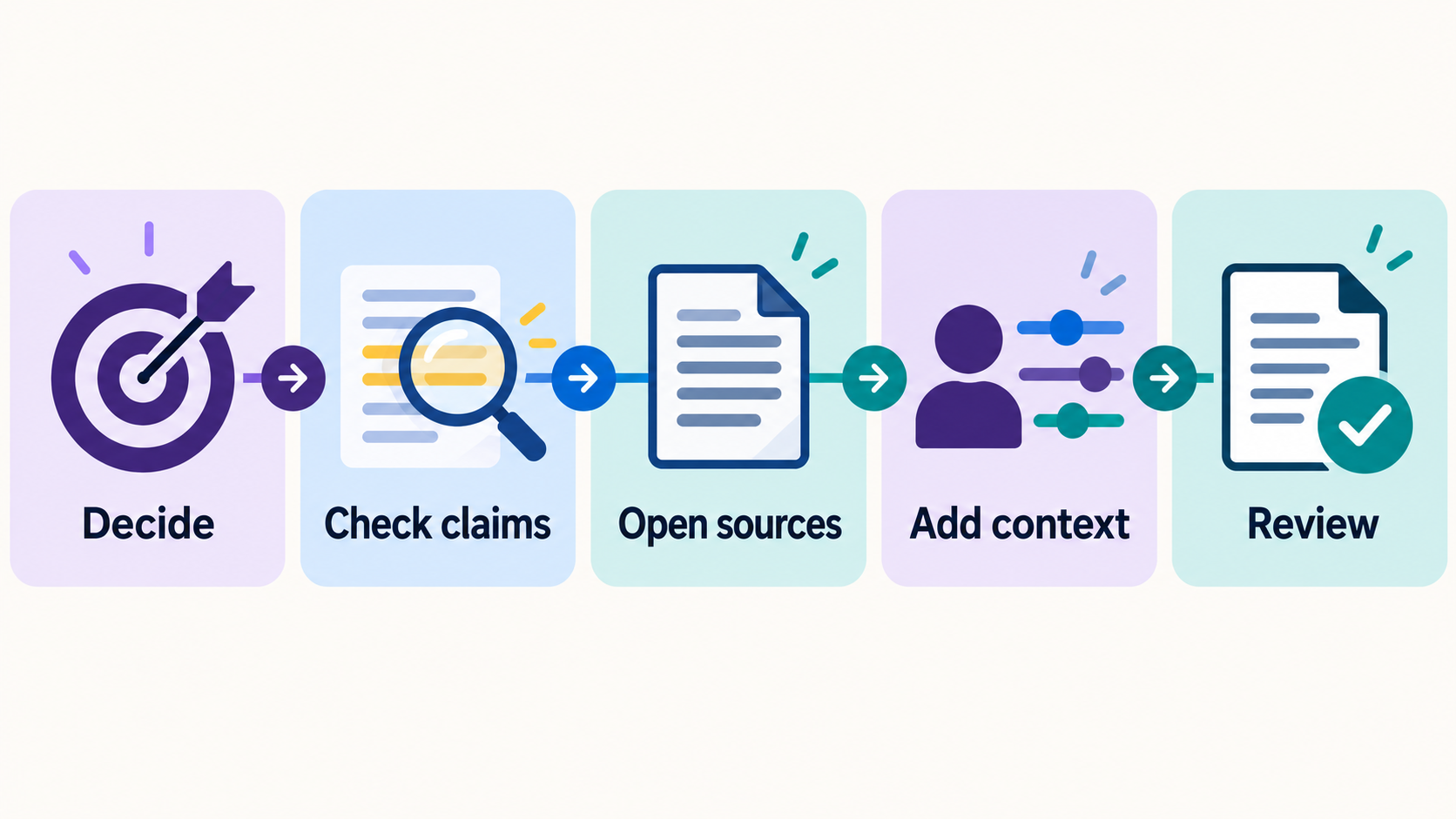
You can now ask ChatGPT to build a small interactive website, preview it, and revise it in conversation. That opens up a useful middle ground between a document people only read and a custom app that takes weeks to build. The hard part is deciding what the Site should actually help someone do.
This guide walks through one practical example: a free Site Starter Brief Builder that helps a beginner turn a vague idea into a clear prompt for ChatGPT Sites. You can use the same steps for a checklist, comparison tool, or simple calculator. The example Site does not need an account, a database, or a payment form.
What ChatGPT Sites can do
OpenAI describes ChatGPT Sites as a way to make interactive websites and lightweight apps. You can start in ChatGPT Work on the web, or in Work or Codex in the desktop app. Describe a website and the task it should perform; you can also mention @Sites. ChatGPT can produce a private preview and take revision requests. Availability depends on your plan and workspace settings, and Sites is still in public beta. Check OpenAI’s current Sites guide if you do not see the feature.
You do not have to begin with code. You do have to make choices about the audience, the information visitors will enter, and what happens when they press a button. A vague request such as “make an AI website for business owners” leaves too many decisions to chance.
Start with one job a visitor can finish
For my example, the visitor is someone with an idea for a useful Site but no clear brief. The job is to turn that idea into a prompt they can copy into ChatGPT. The visitor enters six short answers: who will use the Site, what they need to do, what they will provide, what result they should get, what the Site must avoid, and how to test it.
The result is a complete starting prompt. The builder does not create or publish the visitor’s Site. It simply helps them make the first request more specific.
That division matters. A beginner can check whether a prompt describes a real task before spending time on layout, features, and hosting. The Site itself remains small enough to test.
Write a brief before asking for a design
Use this short structure for your own Site idea:
- Person: Who will use it? “Solo business owners reviewing customer emails” is clearer than “everyone.”
- Job: What one thing should they finish? Try “spot claims in a draft email that need checking.”
- Input: What will they enter? Use sample or non-sensitive information for the first build.
- Result: What should appear or become available? Name the checklist, calculation, draft, or decision aid.
- Boundary: What should never happen automatically? For an email checker: do not send messages, invent prices, or store private text.
- Test: What two examples would show whether it works? Include an ordinary case and one with a deliberate mistake.
Then ask ChatGPT to put the main task on the first screen, make it usable on a phone, and show you a private preview. Ask it to explain what information the Site handles and where that information goes. These are practical instructions, not a guarantee that the first version will be right.
Test the work, not just the appearance
In the Site Starter Brief Builder, I would enter a small real-world example and check the generated prompt. Does it mention the visitor’s job? Does it distinguish input from result? Does the boundary make sense? If I leave a field blank, does the prompt show me exactly what is missing instead of pretending the brief is complete?
Next, try the Site on a narrow screen and with a keyboard. Can you reach every field and button? Is the prompt still readable? Does Copy prompt copy the current version? Can you clear the answers? For any Site that handles visitor text, check what happens to it before sharing. My example is designed to keep answers in the current browser page without sending or saving them, but that behavior should be verified in the finished version.
If a test fails, give ChatGPT a concrete change request: “When the job field is empty, leave a visible placeholder in the prompt. Do not invent a job.” Reopen the preview and repeat the test. That is more useful than asking it to “make the site better.”
Decide who may open it
A private preview is for your review. A public Site is a separate choice. OpenAI says every deployment URL is a production URL, and the Site’s access settings determine who can visit it. Review the audience, content, links, inputs, and actions before publishing. If the Site is for anyone to use as a free resource, test it from the visitor’s perspective without assuming they have your ChatGPT workspace access.
Keep the first version narrow. Once people can complete the one task reliably, you can decide whether another feature is needed. A Site that solves one small problem clearly is already useful.
Try your own idea
Use the free Site Starter Brief Builder to turn the six questions above into a starting prompt. Start with one person and one job, then test the private preview and change one thing at a time. The builder does not publish your Site for you.