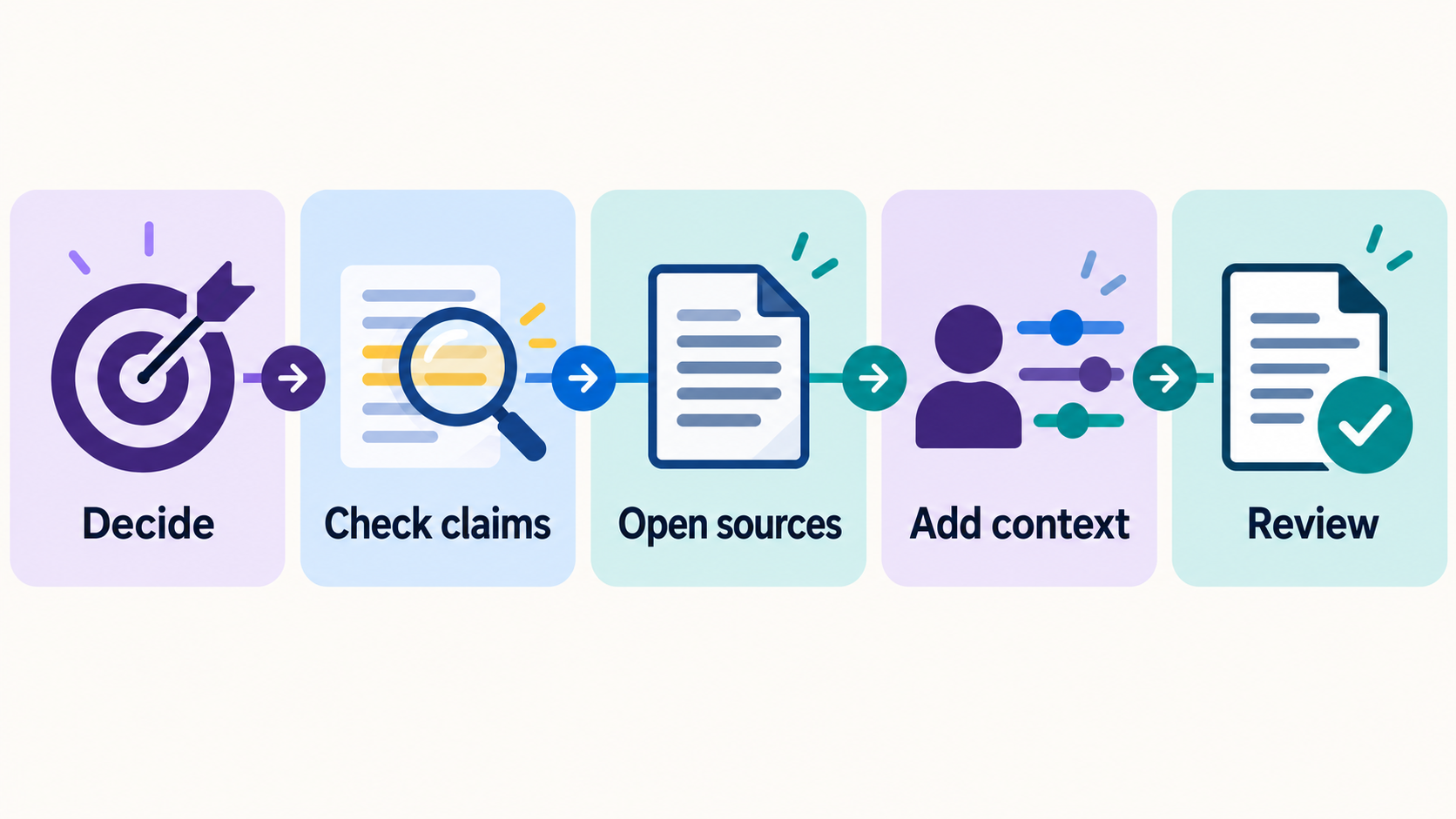
Someone suggested noon. Someone else asked for one o’clock. A few messages later, the meeting place changed too. Before you reply “See you there,” you need the plan everyone actually agreed to.
ChatGPT can help find that agreement and prepare a reply. The useful result includes the messages supporting its answer, so you can check whether it found a decision or merely repeated an earlier suggestion.
You can practice the checking part in a normal chat first. Connecting Apple Messages comes later, if you have the supported Mac app and want to use it.
Find the agreement in this exchange
Paste this example into a new chat:
Riley, Monday: Could we meet at the park at noon on Saturday? Casey, Tuesday: One o’clock would work better for me. Riley, Wednesday: One works. Let’s meet at the north entrance. Casey, Wednesday: Agreed.
Then ask:
Using only this exchange, tell me the latest agreed time and meeting place. Separate confirmed plans from earlier suggestions. Quote the words that support your answer. Do not access apps or send anything.
The answer should identify one o’clock at the north entrance. Riley accepts the time with “One works,” proposes the entrance, and Casey agrees. Noon was an earlier suggestion.
There is still a missing detail: the exchange doesn’t establish a calendar date. “Saturday” without dates on the messages isn’t enough to tell you which Saturday. An answer that confidently supplies a date has added something the text doesn’t support.
Read the quoted messages yourself. If ChatGPT chooses noon, ask it to compare that suggestion with the later agreement. If it invents a date, ask it to remove the date and identify what remains unknown. You can learn the whole checking habit from this short exchange without granting access to your messages.
What you need to use your own Apple Messages
OpenAI’s Apple Messages plugin works in the supported Codex and ChatGPT Work desktop experience on Apple Silicon Macs. Its documentation describes availability across plans, subject to account and workplace restrictions. This isn’t the same feature as a regular ChatGPT conversation on the web or a phone, or the Codex command-line or IDE tools.
The plugin can search and read supported iMessage, SMS and RCS conversations and help prepare or send replies. Because it can do more than summarize pasted text, review the connection and permission choices before enabling it. A managed account may have administrator restrictions. OpenAI’s setup guide is the place to confirm your app and account are supported.
Choose a harmless conversation for a first attempt. A picnic plan is more suitable than messages containing health details, payment information, verification codes or someone else’s private circumstances. Other people’s messages deserve care even when they are already on your computer.
Ask for a narrow search and supporting messages
Identify the conversation and participants clearly. Then ask:
In the picnic conversation with the people I identify, look only at messages from the past seven days. Find the latest agreed meeting time and place. Show the supporting messages and flag any unresolved change. Do not send or change anything.
“Past seven days” limits the work you requested. It does not establish that the plugin’s technical access is confined to seven days. Check the actual permission controls separately.
Look at the returned messages in order. Does a later reply accept the proposed change? Is there a newer message that leaves it unresolved? Are you looking at the intended conversation rather than a similar group name?
If the answer can’t show support for a detail, leave that detail open. For a broader method of examining the answer, see our guide to checking an AI answer before you use it.
Draft the reply from the agreement
For the practice exchange, the next request can be:
Draft a friendly reply confirming one o’clock at the north entrance and asking which calendar date we mean. Do not add an offer to bring food or invite anyone else.
A suitable draft would be:
One o’clock at the north entrance works for me. Just checking—which date are we meeting?
That draft confirms what the messages support and asks for the missing detail. “I’ll bring lunch” would create a new commitment. “See you Saturday the 19th” would supply an unsupported date.
You can stop with a draft and send it yourself. If you choose to send through the plugin, review the exact recipient, every group member and the complete message before approving the action.
OpenAI documents per-send approval as the default. Allow once approves the action in front of you; Always allow sending to this chat changes the approval behavior for later actions in that chat. Read the choice you are making rather than treating every approval button as equivalent.
The task is finished when you have a reply that matches the agreement and asks about anything still missing. You don’t need a longer summary of the conversation to get there.