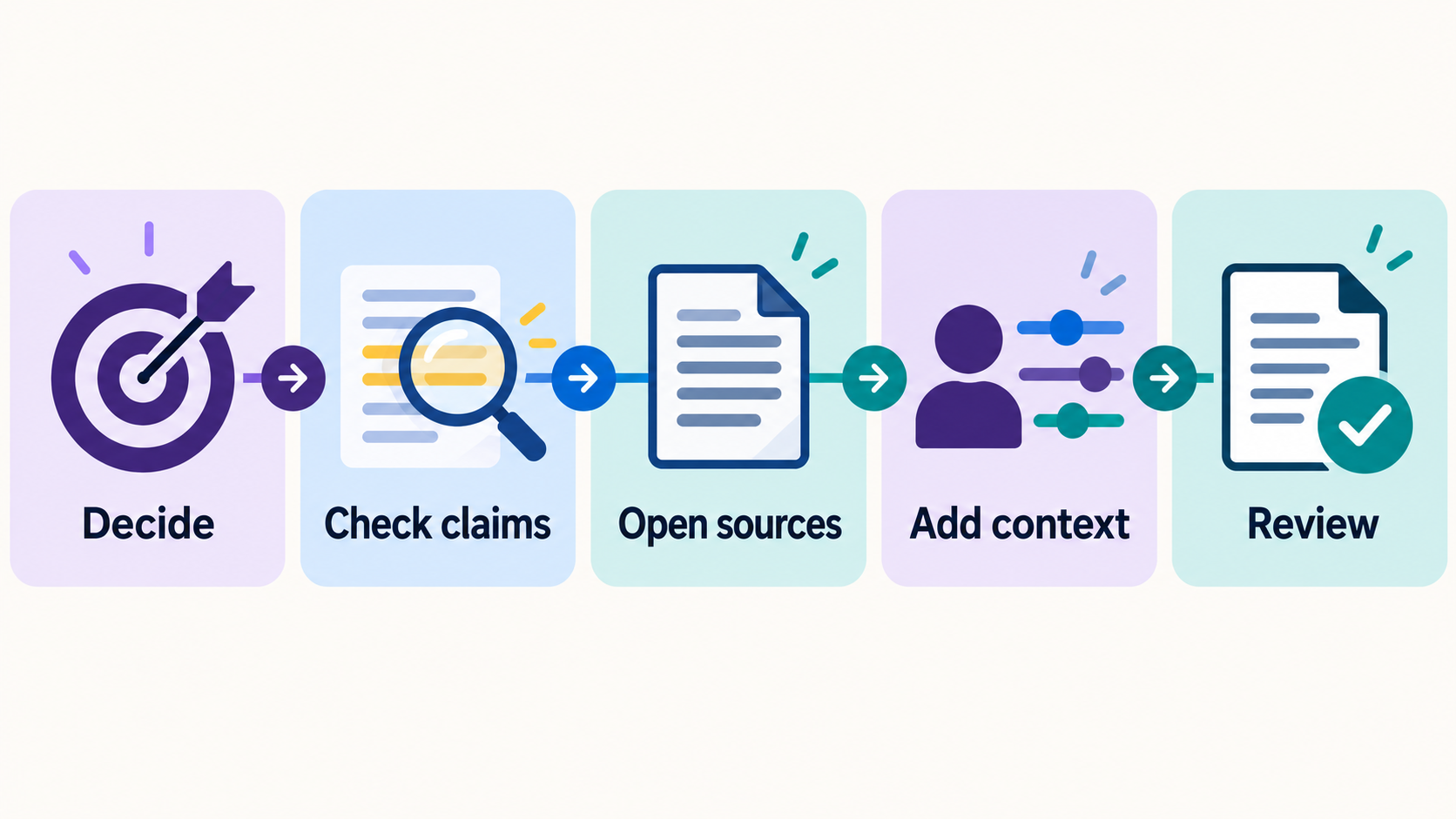
AI can give you a useful first draft in seconds. It can also give you a confident answer with a missing detail, a broken link, or a fact that has changed. The safest habit is simple: treat the answer as a starting point, then check the parts that matter before you act on it.
You do not need to fact-check every sentence in a low-stakes brainstorming session. You do need a clear way to spot the claims that could cost you time, money, trust, or peace of mind. Here is a five-step check you can use even if you are new to AI.
1. Name the decision you are about to make
Ask yourself: “What am I going to do with this answer?”
If you are gathering dinner ideas, the cost of a mistake is small. If you are sending a customer email, choosing software, changing a business process, or making a health or money decision, you need a stronger check. Your intended use determines how much verification the answer deserves.
For example, a list of possible newsletter topics is brainstorming. A statement that a particular platform includes a feature on its free plan is a claim you should verify before you commit to that platform.
2. Circle the facts that can be checked
Look for names, dates, prices, numbers, quotes, links, policies, product features, and instructions. These are the parts most likely to sound convincing while being wrong or out of date.
You can ask AI to help identify them:
List the factual claims in your answer that I should verify before using it. For each claim, tell me where I could check it. Do not invent a source.
That prompt helps you make a checklist. It does not count as independent verification; the AI could repeat its own mistake.
3. Open the original source
For a product feature or price, check the provider’s current documentation or pricing page. For a law, benefit, or public program, start with the responsible government agency. For a quote or statistic, find the original report or speaker rather than a summary that repeats it.
Check the publication date and whether the page applies to your country, account type, or situation. If the AI gives you a link, open it. A plausible-looking link is useful only if it reaches a page that supports the specific claim.
If you cannot find a reliable source, remove the claim or describe it as uncertain. You can still use the rest of a draft.
4. Compare the answer with your own context
An answer can be factually correct and still be a poor fit for you. It may assume a budget you do not have, a tool you do not use, or an audience that is different from yours.
Before accepting a recommendation, add the constraints that matter:
My budget is [amount], I have [time available], and my audience is [who you serve]. Which parts of your recommendation would you change? What assumptions are you making?
Then decide for yourself whether the revised answer fits. For consequential decisions, ask a qualified professional where appropriate.
5. Read the final version as the person who will use it
If AI helped write an email, article, worksheet, or customer reply, read it from the recipient’s point of view. Is the tone yours? Is anything promised that you cannot deliver? Are instructions complete? Do the links work? Does it reveal anything private?
For a public article, check that the examples are real or clearly hypothetical and that any useful facts still have working sources. A quick final read can catch problems that a spelling check will miss.
A simple rule to remember
Use AI to get started. Use sources and your judgment to decide what is ready.
The goal is not to turn every task into a research project. It is to spend your checking time where a wrong answer would matter. Start with one answer you are already using today, identify its two or three most important claims, and verify those before you act.
If you want a place to practice, explore our free AI resources and try the same five-step check on a prompt you use often.